You drop the truck off at the dealer for a routine software update. They finish the work, you pick it up, and something just feels off. The throttle doesn’t respond the same way. It doesn’t pull as hard under load. Power delivery is different.
If you previously paid for custom ECM programming, this can be more than a minor annoyance. The factory update may have overwritten some or all of your custom calibration.
This happens more often than people think, especially if the truck has gone through multiple service campaigns or software revisions. The key is figuring out exactly what changed before you try to put the old tune back.
Why Factory Updates Can Overwrite a Custom Calibration
The ECM controls fueling, injection timing, torque limits, boost-related settings, and a bunch of protection strategies. A custom calibration changes selected parameters to get a specific result—usually better throttle response, stronger low-end torque, or more power.
When the dealership flashes a new OEM software update, it often replaces the entire engine calibration with the latest factory version. If that update covers the same areas that were previously modified, your custom settings are gone.
Not every update does this. Some only touch specific modules or smaller software pieces and leave the main calibration alone. Others rewrite the whole thing. It depends on the manufacturer, the ECM hardware, the software version, and how broad the update is.
What You Might Notice Behind the Wheel
Usually the first clue isn’t a check-engine light—it’s just that the truck doesn’t feel the same.
A truck that used to dig in hard at lower rpm might now feel softer when you’re pulling a loaded trailer. Acceleration can feel flatter. The engine may respond differently when you put your foot into it. These changes stand out more if you regularly run the truck hard.
Things worth paying attention to:
- How the throttle responds
- How torque comes on under load
- Changes in fueling behavior
- Different engine protection limits
- Overall drivability that just doesn’t match what you remember
Keep in mind that a change in how the truck runs doesn’t automatically mean the custom tune is gone. Other issues can cause similar symptoms. You need to check the actual software before jumping to conclusions.
Check What’s Actually in the ECM First
Start by finding out what software is currently in the truck.
If you still have records from the original programming session—a programming report or a saved copy of the custom file—keep them handy. This information can help the programming specialist compare the previous setup with what’s currently in the ECM.
That comparison helps answer a few important questions:
- Did the software version change during the dealer visit?
- Was the custom calibration replaced with stock factory software?
- Are any of the previous custom settings still there?
If the truck and ECM are still within the same generation, the previous calibration may provide a suitable basis for restoring the custom setup. The programming specialist can determine whether any adjustments are needed before reprogramming.
Putting the Custom Calibration Back
Once you know what changed, you can decide how to restore the setup you want.
Sometimes the previous calibration can be recovered and adapted to the new software. Other times it’s cleaner to start over using the current factory calibration as the base and rebuild the modifications from there.
Just flashing the old file without checking compatibility is a bad idea. The programmer needs to look at the specific engine and ECM, the software version that’s currently installed, and exactly what modifications were in place before the dealer update.
Also remember that restoring a custom tune doesn’t mean copying every single old setting blindly. Factory updates sometimes change underlying control strategies. A calibration that worked fine on an earlier version may need tweaks to stay compatible and safe.
When Remote Programming Makes Sense
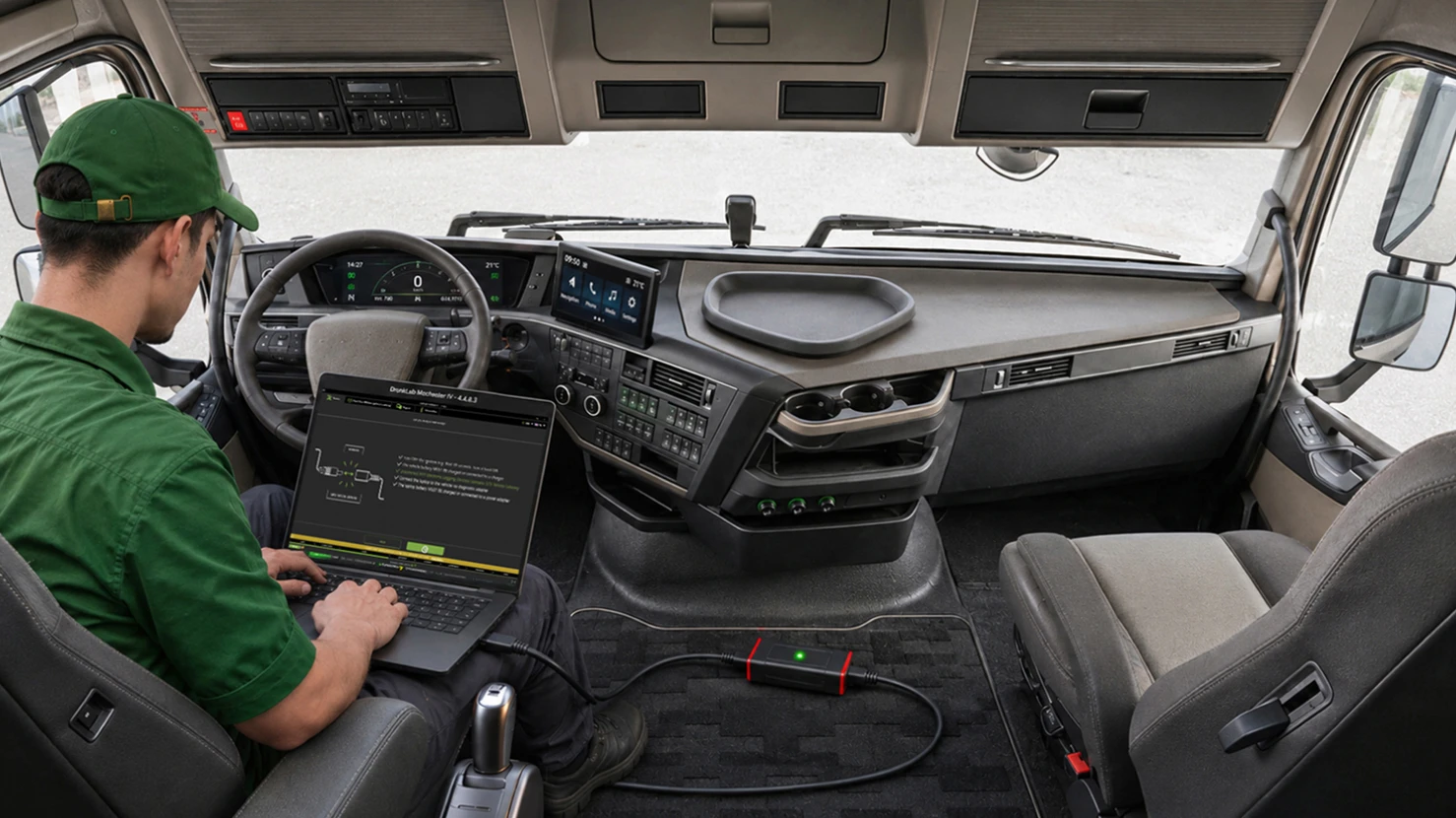
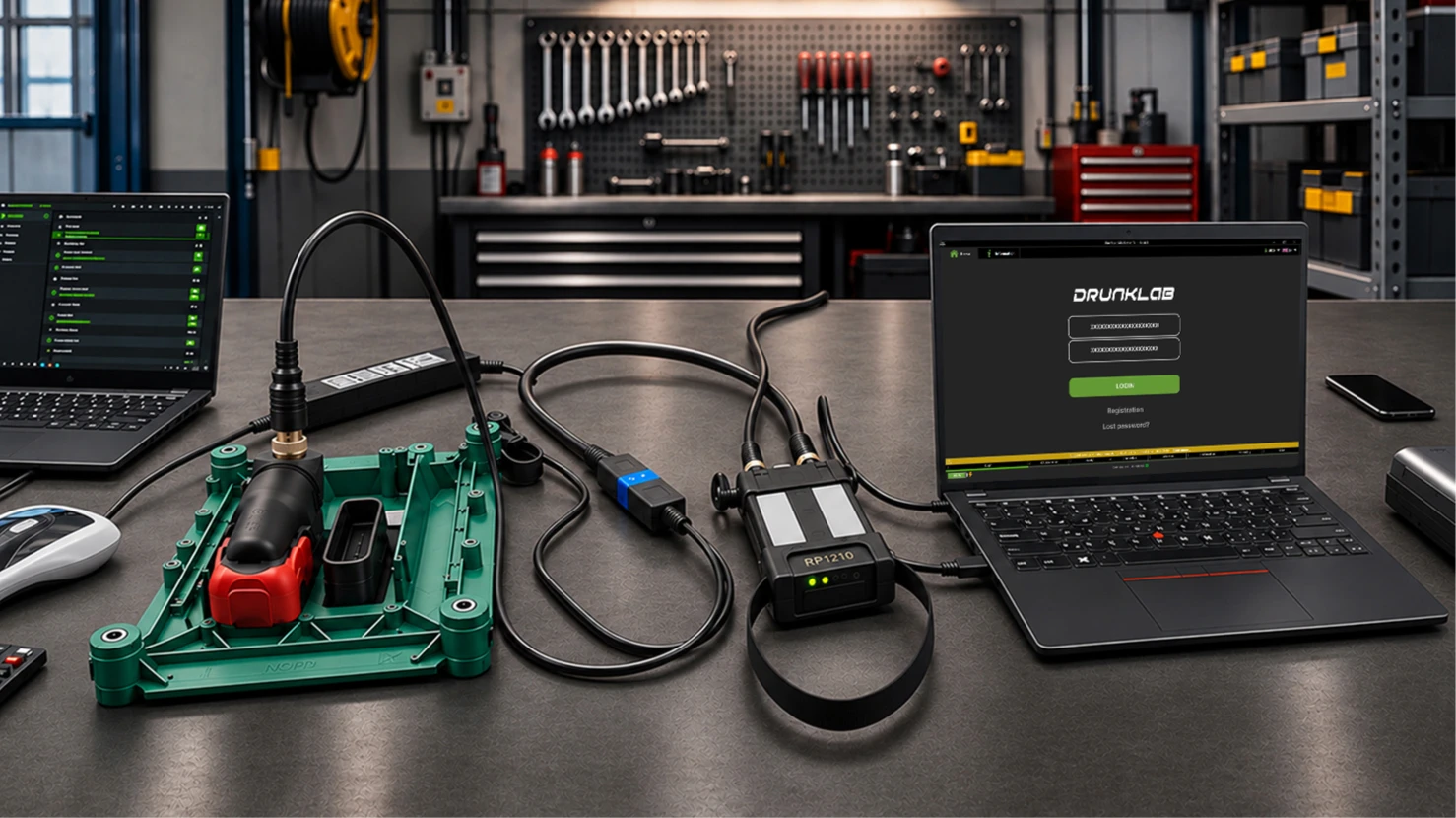
You don’t always have to pull the ECM and ship it somewhere. On many platforms the work can be done remotely with a compatible adapter and a laptop connected to the truck.
DrunkLab handles remote ECM programming for Cummins, Detroit Diesel, and PACCAR using TeamViewer. Other supported platforms – including Volvo, Mack, Renault, UD, Volvo CE, Volvo Penta and industrial engines – go through the Mochester App. Their engineers work with whatever software is currently in the truck and determine the right approach.
Before you schedule a session, have the VIN, engine details, and any available ECM software information ready. Records from the previous tuning session help a lot if the goal is to get a specific calibration back.
Remote programming isn’t a fix for mechanical, electrical, or communication problems. Those need to be sorted out first.
How to Avoid the Same Hassle Next Time
A little preparation before the next dealer visit goes a long way.
Keep records of the current software configuration and programming history. Knowing exactly what calibration is installed makes it much easier to spot changes after an update.
It’s also worth asking the dealer what the planned update actually covers. If the update includes ECM reprogramming, be aware that it may overwrite the existing custom calibration.
After the service, pay attention to how the truck feels. Don’t assume the old calibration is still there just because nothing threw a code.
The most useful information is usually what you collect before and after the update: software versions, calibration records, and a clear description of any performance differences you notice.
An OEM update isn’t automatically a disaster for a truck with custom programming. But when factory software replaces a custom calibration, getting the previous setup back takes more than just loading an old file. You have to check the current ECM software first and make sure any restored calibration is actually compatible with the updated configuration.