The opening shot is striking. The music builds, the camera moves smoothly, and the colors look polished. But watch the video with the sound off. Can you tell what it is asking you to do? Now listen without looking at the screen. Do you still understand the important details?
These are useful questions to ask before publishing any video, including Seedance 3.0 AI. AI can help create engaging scenes, but it cannot decide on its own which information every viewer needs. That work starts with the script and continues through captions, narration, editing, and a final human review.
Making a video easier to follow is not about adding every possible accessibility feature at the end. It is about ensuring the main message does not disappear when someone cannot hear the audio, cannot clearly see the screen, or simply watches on a small phone in a distracting place.
Decide What Viewers Must Understand
Before generating a scene, write one sentence that states the video’s purpose. Consider a short announcement for a fictional community sports day: “The event is Saturday at 10 a.m., and visitors should register before Friday.”
Those are the details viewers must leave with. A beautiful shot of people playing outdoors can set the mood, but it does not communicate the date or registration deadline. Both facts need to appear clearly in the finished video, and anyone producing a real announcement must verify them against the organizer’s current information.
Separate essential facts from decorative choices in the storyboard. The weather, clothing colors, and camera movement may change without affecting the message. The date, time, location, and action viewers need to take cannot.
Make the Story Work Without Sound

Many people encounter short videos when playing audio is inconvenient. Others rely on captions to understand speech. In either case, a voiceover that carries all the information while the screen shows only attractive footage creates an avoidable barrier.
Add accurate, synchronized captions for spoken words and any sound that matters to understanding the scene. If a whistle signals that an activity has started, for example, a caption can identify it. Captions should not be treated as a transcript pasted onto the screen in large blocks. Break them into readable phrases and check that they appear when the corresponding audio occurs.
AI-generated captions can save time, but names, dates, numbers, and unusual terms are easy to get wrong. Read the captions against the final audio rather than assuming the automatic version is ready to publish. If the platform allows viewers to switch captions on and off, test that version too.
Make the Audio Carry Essential Visual Information
Now try the opposite test: play the video without watching it. If the only mention of “Register by Friday” is a card on screen, a person who cannot see that card may miss the point entirely.
The simplest fix is often to include the fact in the main narration: “Register by Friday to join Saturday’s community sports day.” A separate description of the visuals may be needed when important actions or images cannot be conveyed naturally in the existing audio.
Not every camera movement needs to be narrated. Describe what a viewer needs in order to understand the message, not every object in the frame. The W3C’s guidance on accessible audio and video distinguishes between captions, descriptions of important visual information, and transcripts because each serves a different need.
A text transcript is also useful outside the video player. It gives people another way to review the details, and it can include meaningful visual information that dialogue alone does not explain.
Design for the Smallest Screen
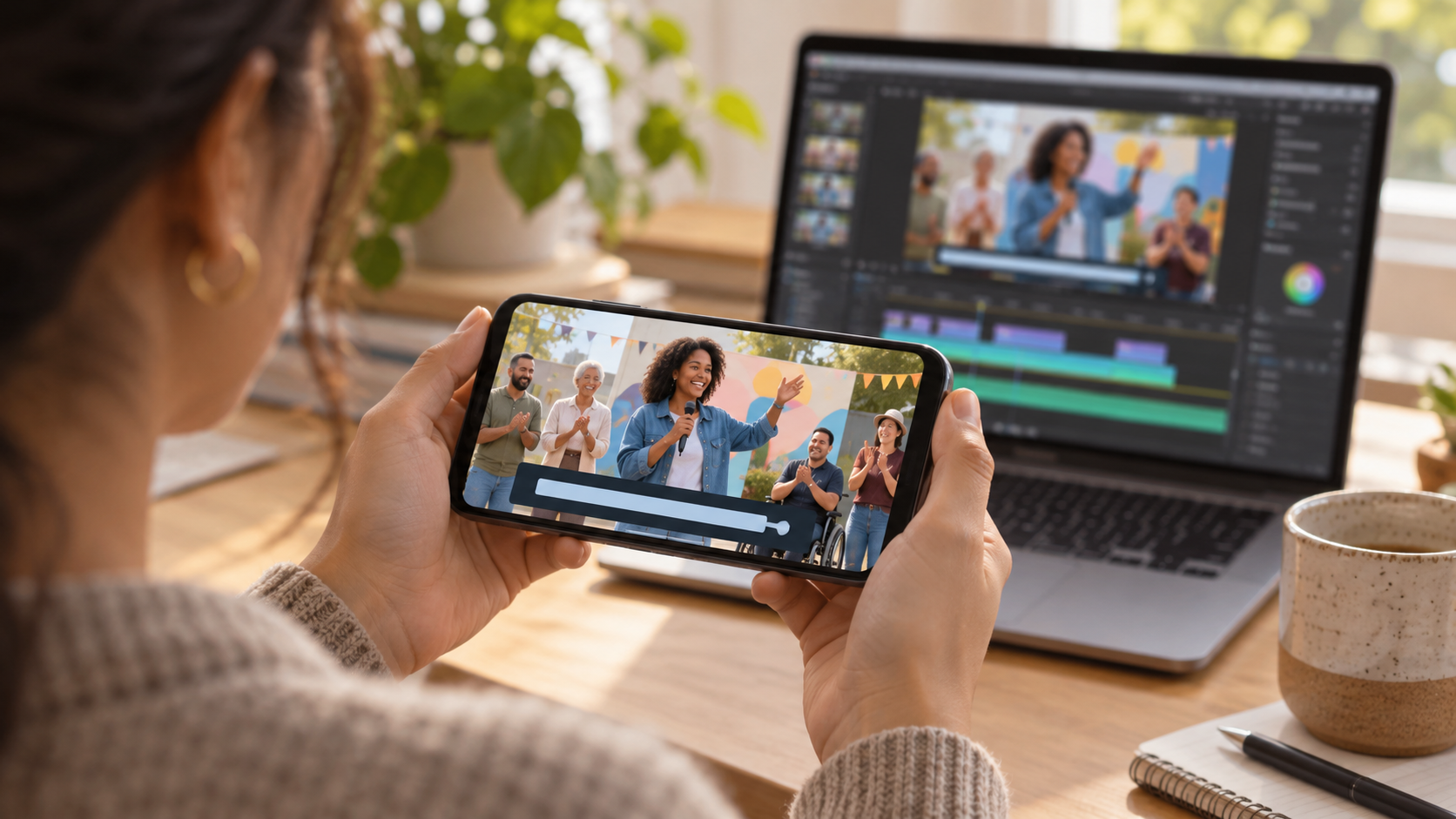
A line of text that looks clear on a desktop monitor may become unreadable on a phone. Check the finished video at the size and orientation in which people are likely to see it.
Keep essential text short. Give it enough contrast against the background, and do not place it over busy movement if a plain panel would be clearer. Leave it on screen long enough to read at a comfortable pace. If a generated scene contains unreliable lettering, add the verified words during editing instead of trusting the text embedded in the image.
Avoid using color as the only way to distinguish information. If a schedule marks one activity in green and another in red, add labels as well. Similarly, an arrow pointing to “the blue entrance” is less useful than a label that also names the entrance.
These choices improve the video for more than one group of viewers. Clear labels and readable pacing help anyone checking an event detail quickly while on the move.
Use AI to Support the Message, Not Bury It
When planning generated scenes, give each one a communication job. An establishing shot can introduce the setting. A closer shot can show what an activity involves. A final card can present the confirmed date and next step.
Avoid asking a single short scene to show several locations, multiple activities, detailed instructions, and a call to action at once. Viewers may remember the visual energy but miss the information.
Check generated footage for misleading details before it becomes part of a real announcement. A fictional venue should not be mistaken for the actual event site. Do not show an invented entrance, accessibility feature, staff member, or safety arrangement as though it has been verified. When a scene is illustrative, make that clear; use real, approved footage when exact visual information matters.
Give the Final Video Three Simple Tests
Before publishing, ask three people—or review the video yourself in three separate passes:
- Watch with the sound off. Can you identify the subject, key details, and next step from the captions and visuals?
- Listen without looking. Does the narration communicate every essential fact shown on screen?
- Watch on a phone. Are captions and labels readable, correctly timed, and free from important visual obstructions?
Then compare the final video with the original fact sheet. Check every name, date, number, link, and action. These tests do not certify that a video meets every accessibility requirement, but they catch problems that a visual-quality review alone can miss.
A video succeeds when viewers can understand and use its message—not merely admire how it looks. AI may help create the scenes. Clear writing, accurate information, and thoughtful review make those scenes worth watching.